My MEO Speedtest | MEO
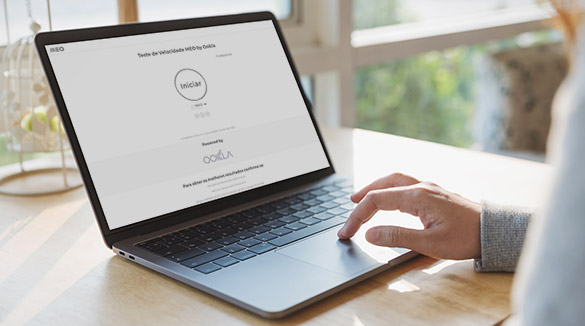
Test your broadband speed with MEO powered by Ookla.
Broadband Speed Test
powered by Ookla
Powered by

Tips for a more effective test
Broadband on the PC
With a computer, you can measure the maximum access speed using a cable connection to the router.
Make sure that the PC and router have GbE ports for speeds of 100 Mbps or more and/or 10GbE ports for speeds of more than 1 Gbps.
You should also use a UTP5e or higher ethernet cable for speeds of 100 Mbps or more and a UTP6a cable for speeds of more than 1 Gbps.
For best results:
- Restart the PC and keep only the browser active;
- Turn off the MEOBox and confirm that there is no recording going on, just turning off the TV won't do;
- There shouldn't be anyone else or any other device (Smart TVs, consoles, IoT devices, etc.) connected to home broadband.
On Smartphone or Tablet with WiFi or Mobile Broadband
The maximum access speed depends on your home WiFi or mobile device data. The speed test result may not reflect the actual fixed internet speed and mobile internet speed contracted.
For best results:
- The devices should not be updating apps in the background;
- No other device should be connected to home broadband;
- If the connection is WiFi and has a network ending in -5G, choose that network.
- The Speed test should be carried out close to the router to reduce radio interference.
- Use the latest equipment possible. Older equipment has features that prevent you from obtaining better speeds.

Additional recommendations for the Speedtest Internet speed test
For more accurate results, especially for higher speeds, you may need to install the
Speedtest CLI (Command Line Interface) app.
Internet speeds may vary depending on the time of day. It is important to confirm that no one else is using the internet, and the speed testshould be repeated two to three times to obtain a more accurate average.
View all internet speed influencing factors .