The easiest way to link your services— Personal , or Empresas—is through the
app my MEO, using your tax ID number (see the
video).
If you have any difficulties or encounter an error, see
how to fix it.
1. Select
Link Service
2. Choose Personal or
Businesses
For Personal:
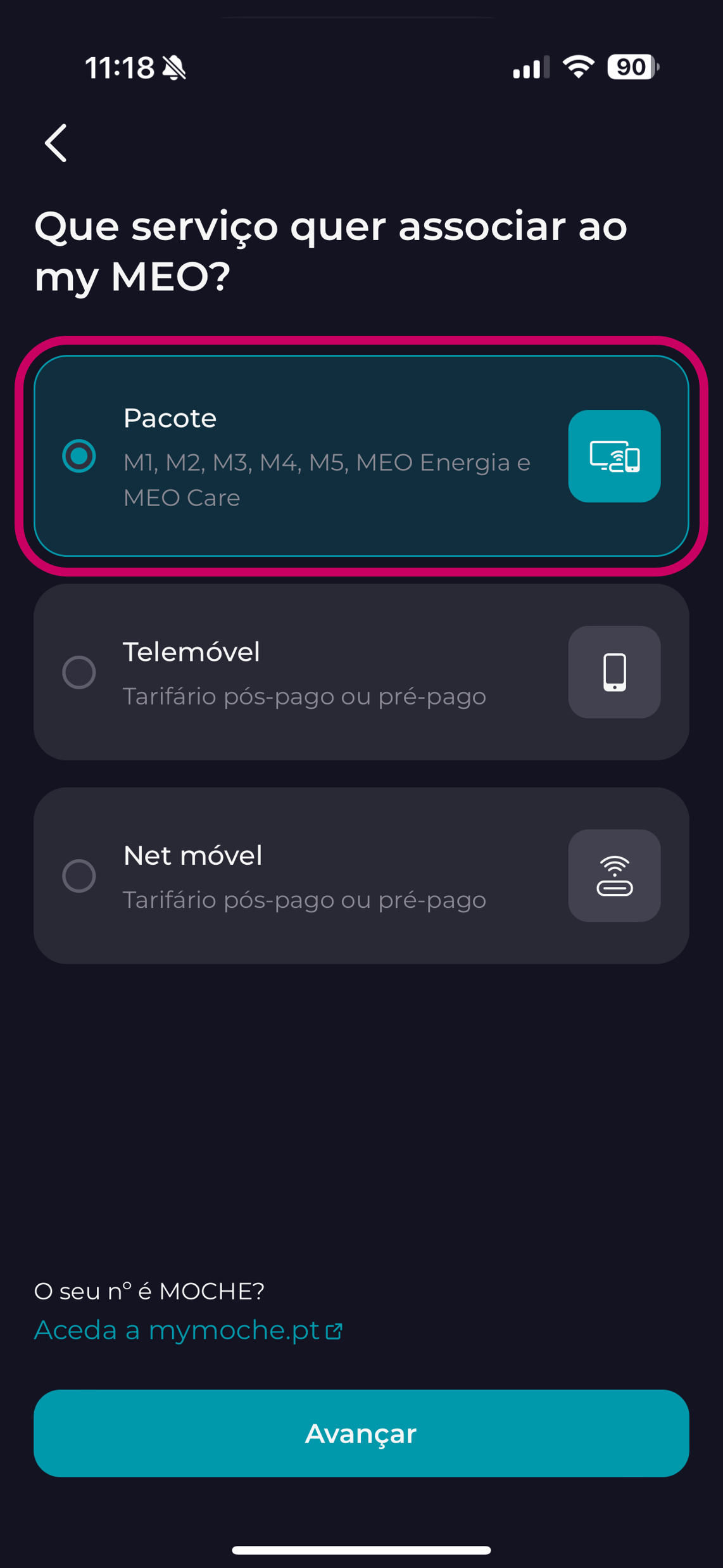
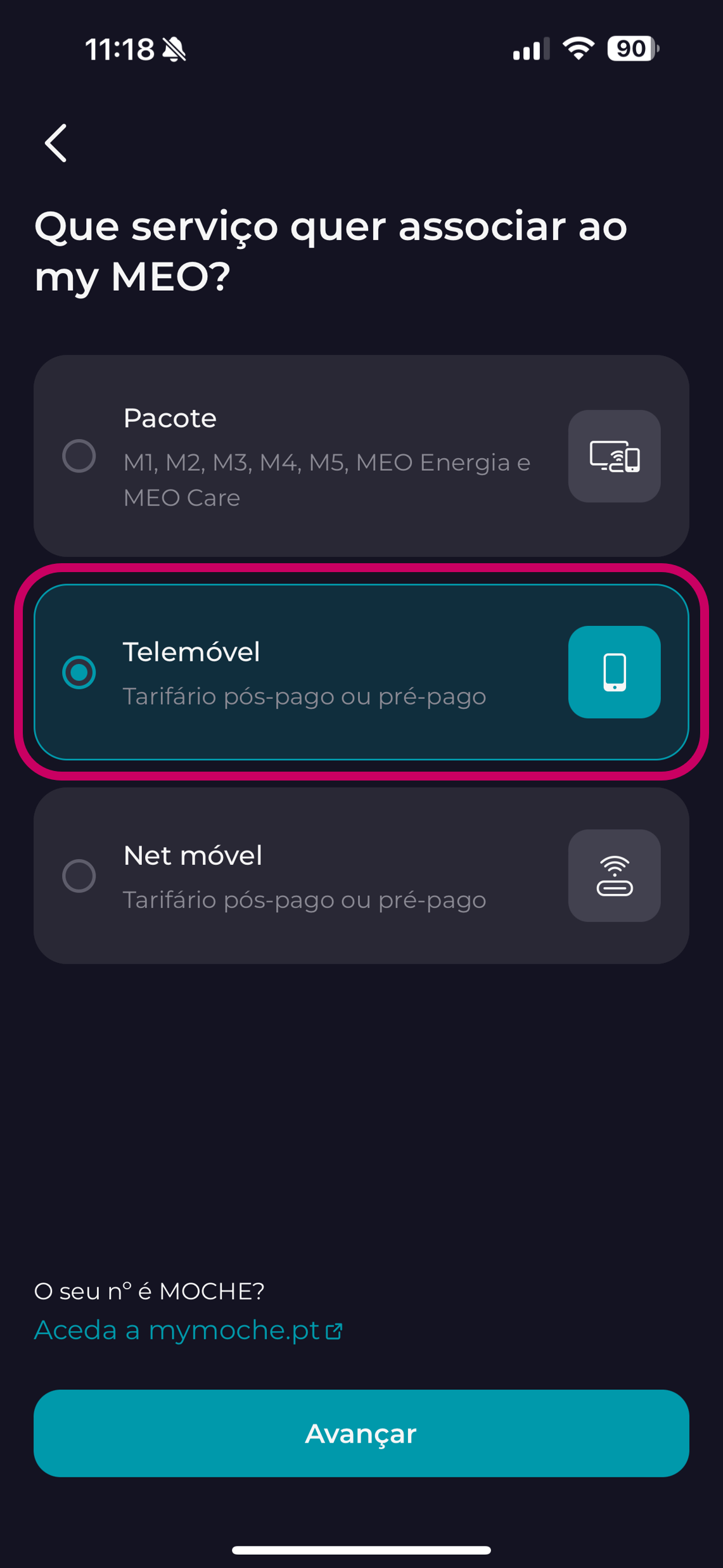
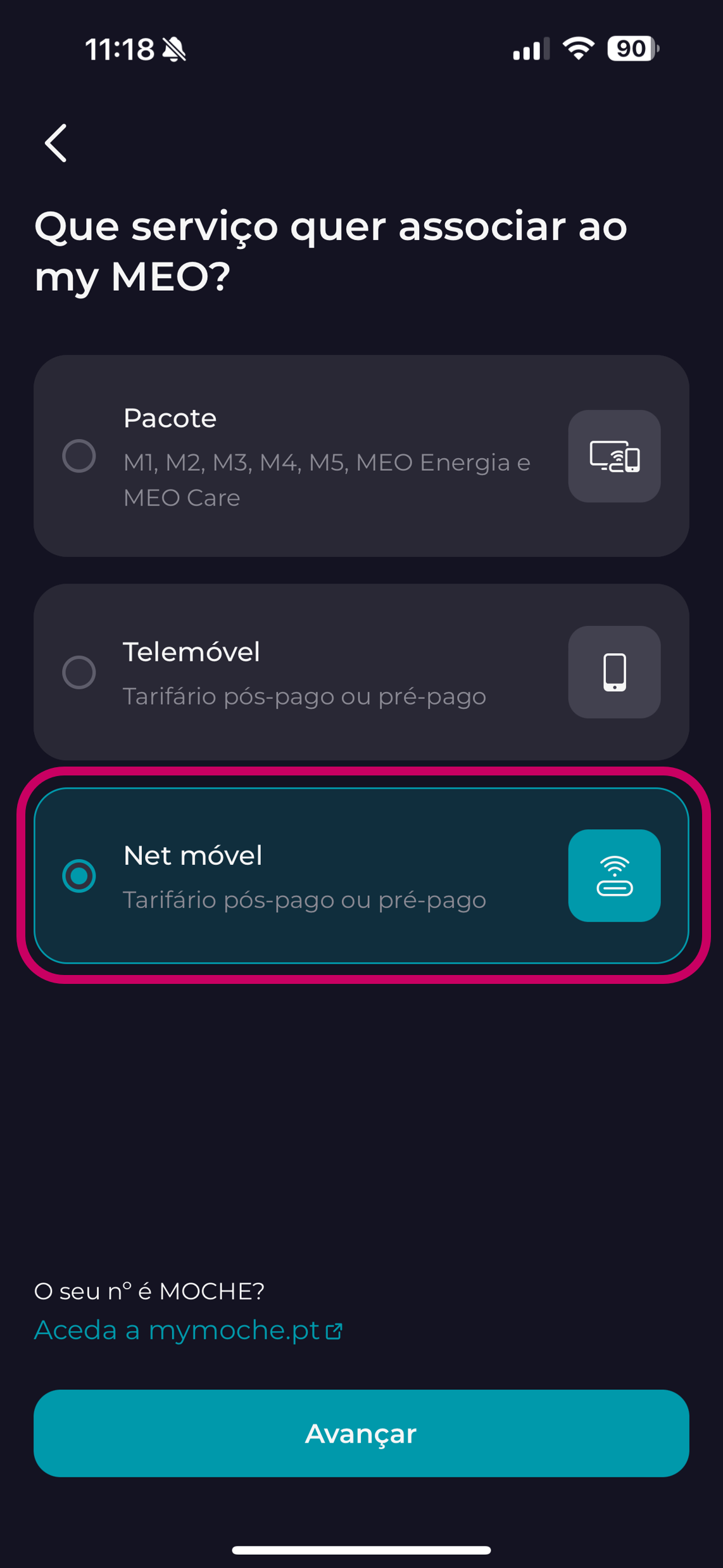
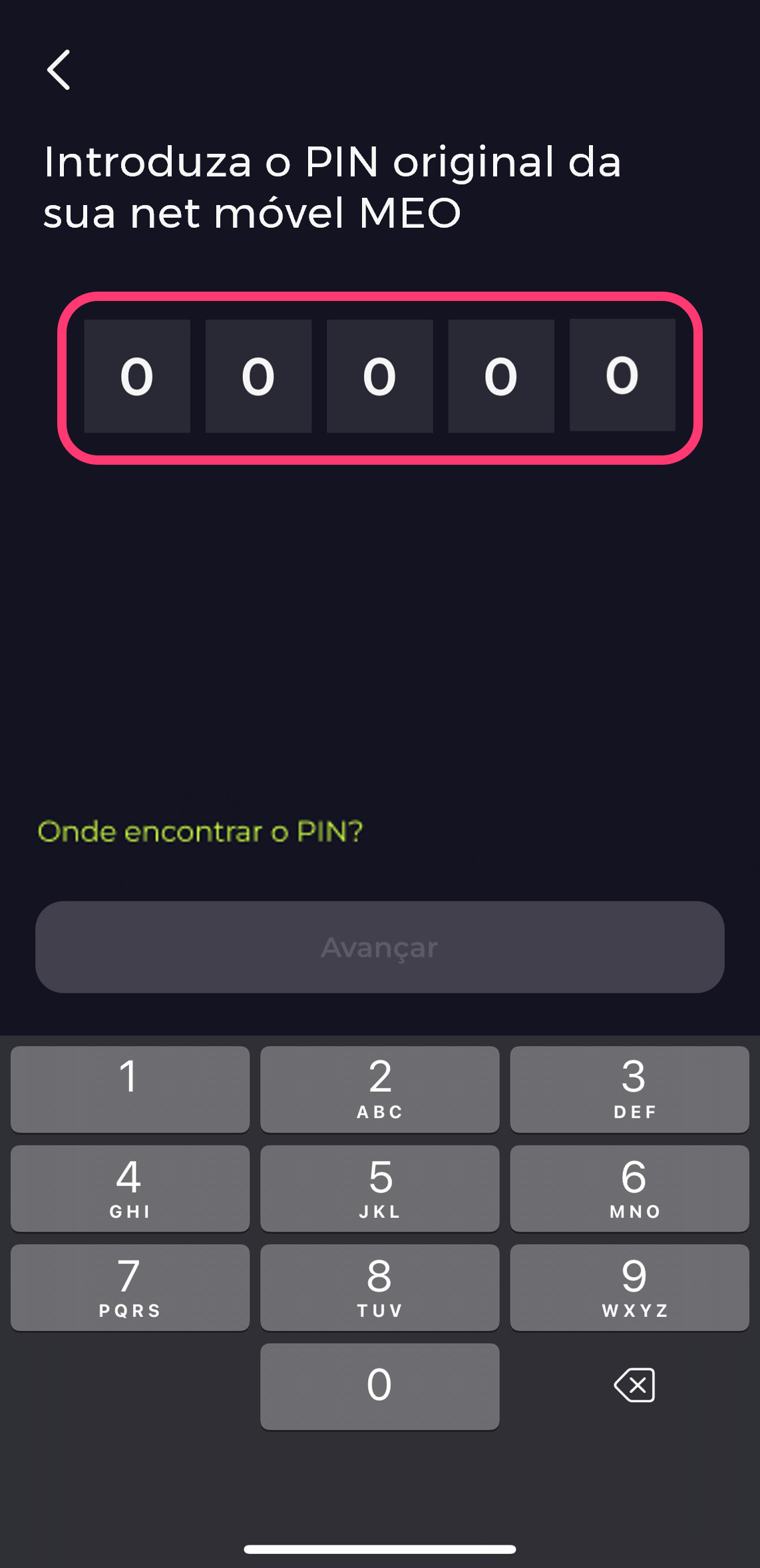
3. Choose the type of service you want to associatebundle | mobile phone | Net mobile)
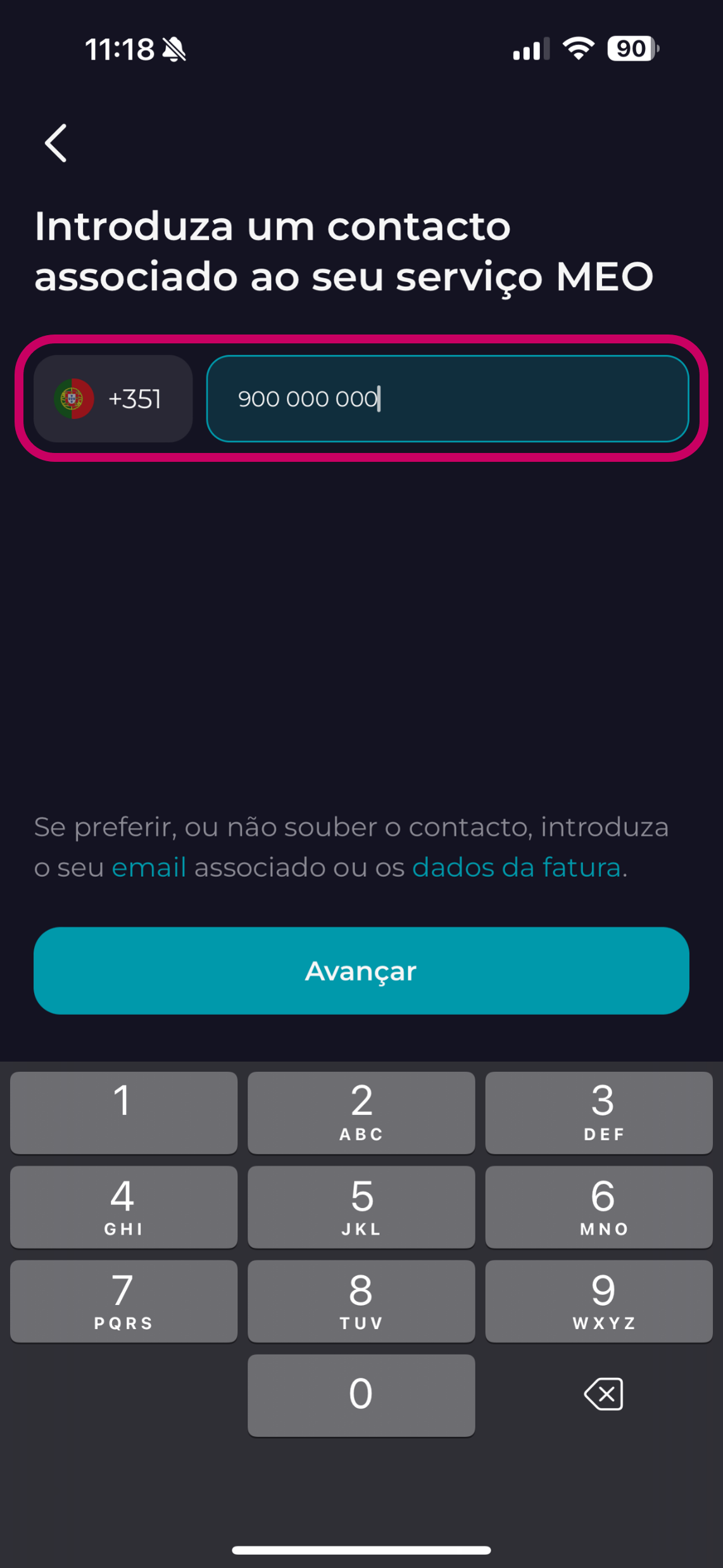
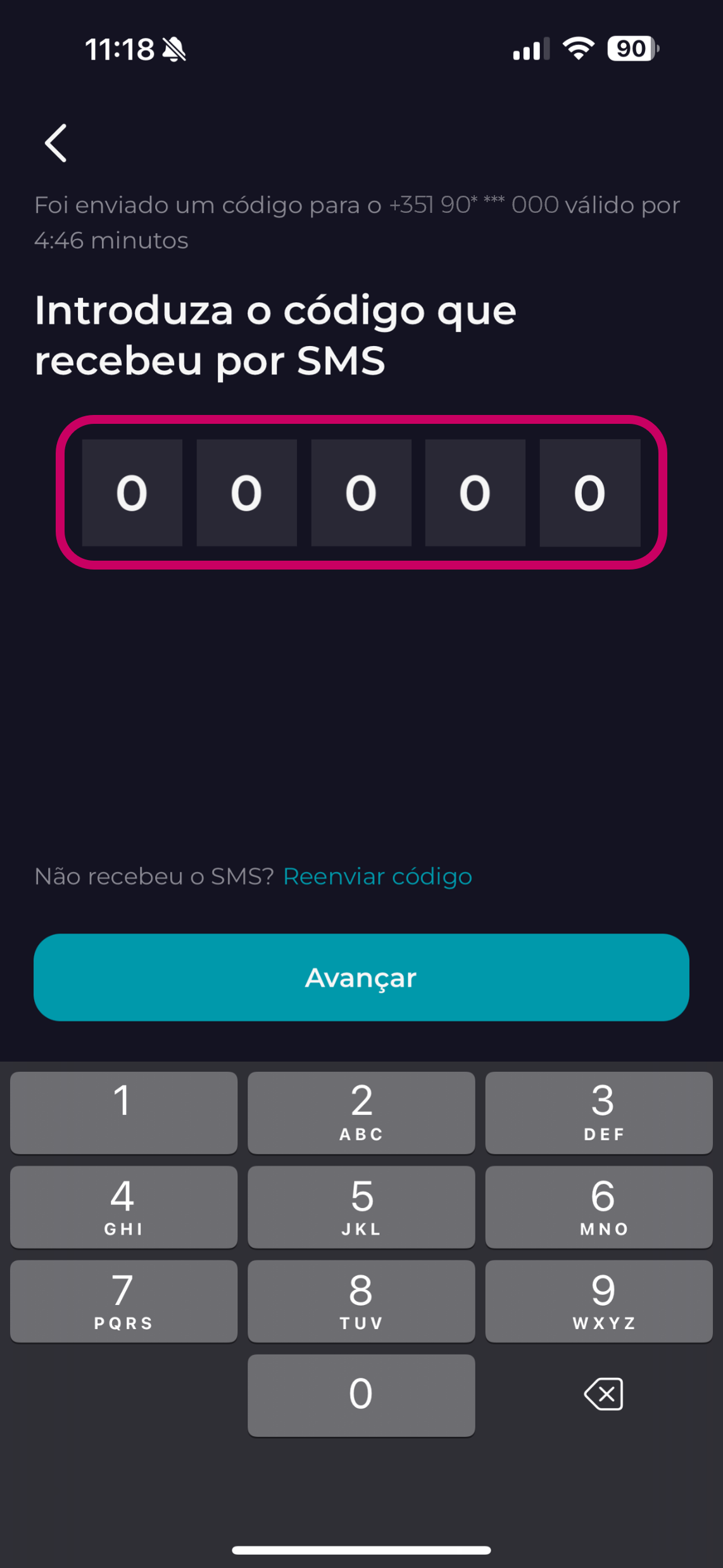
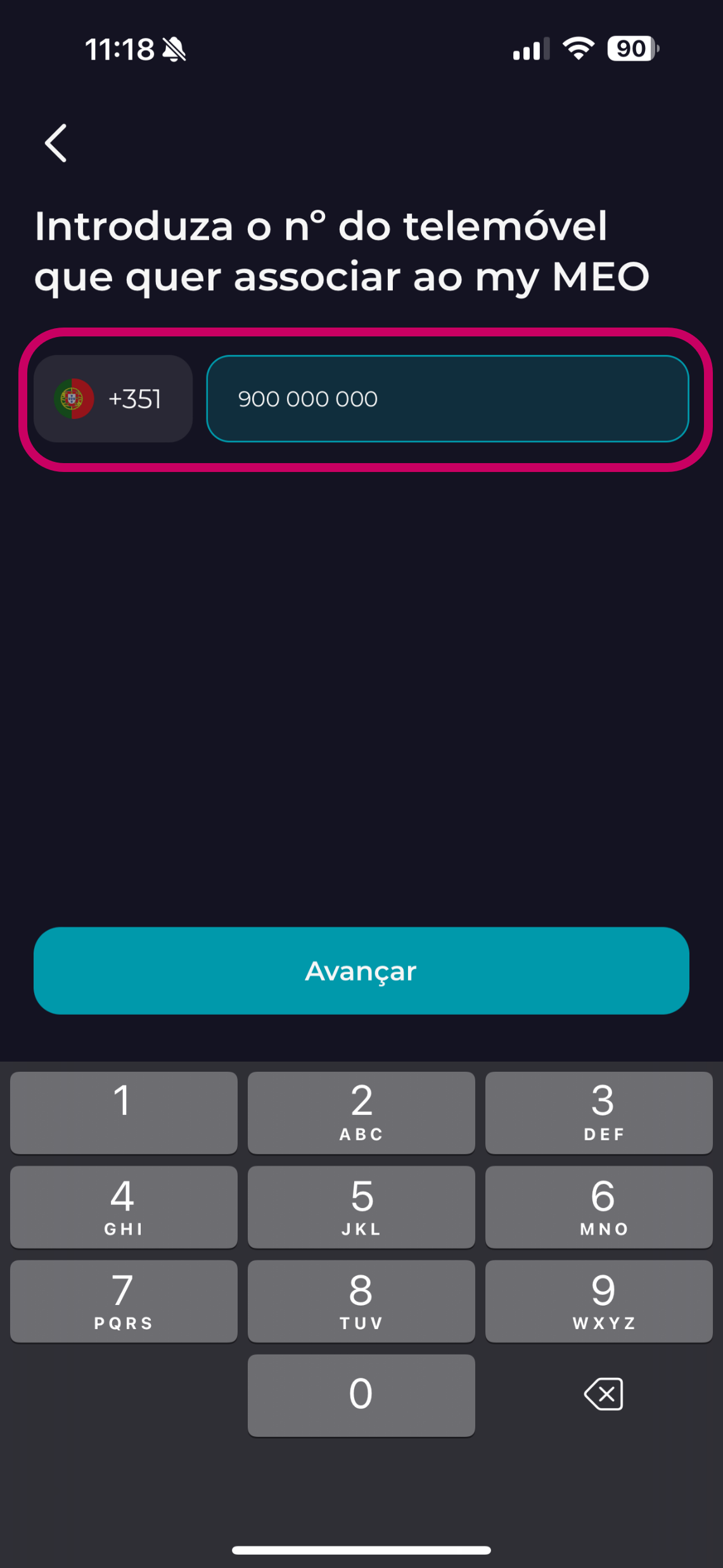
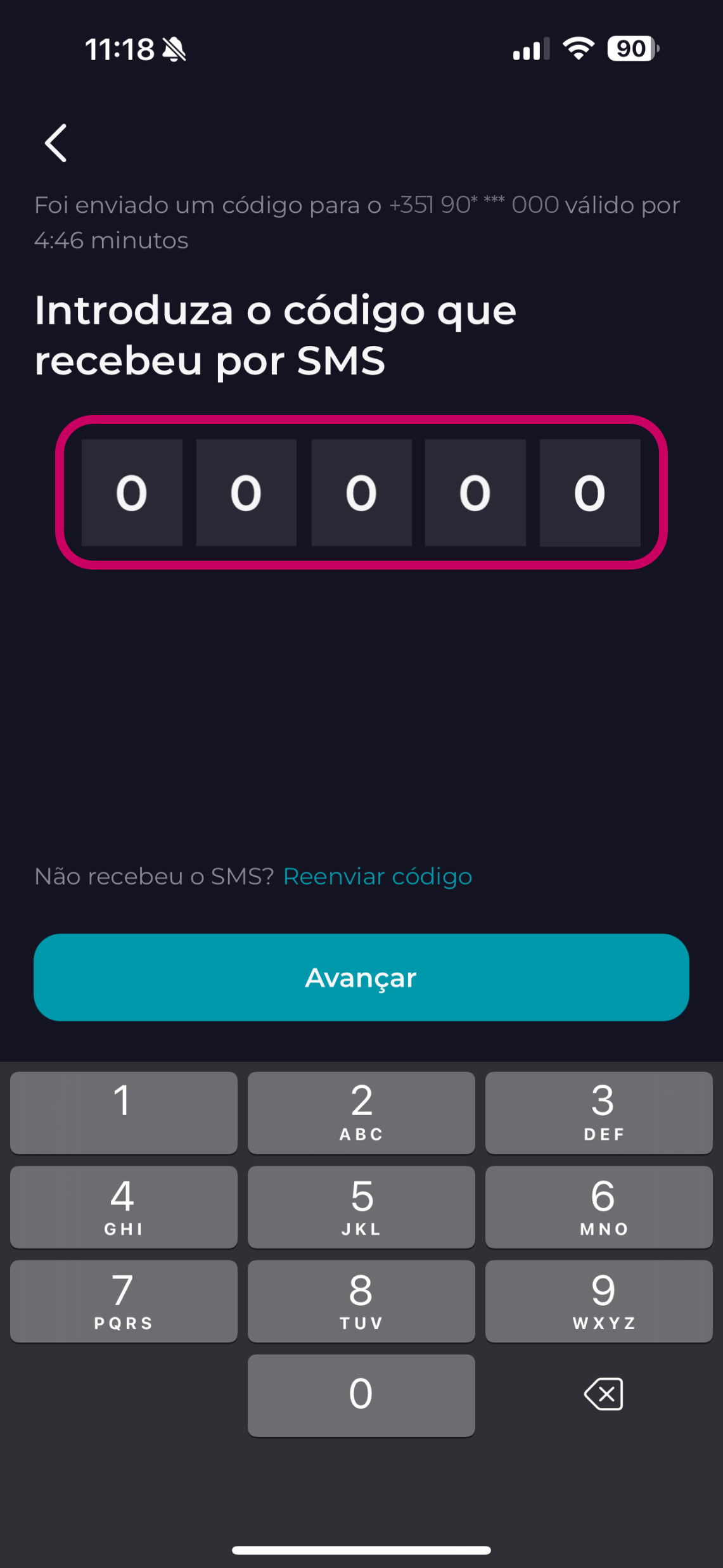
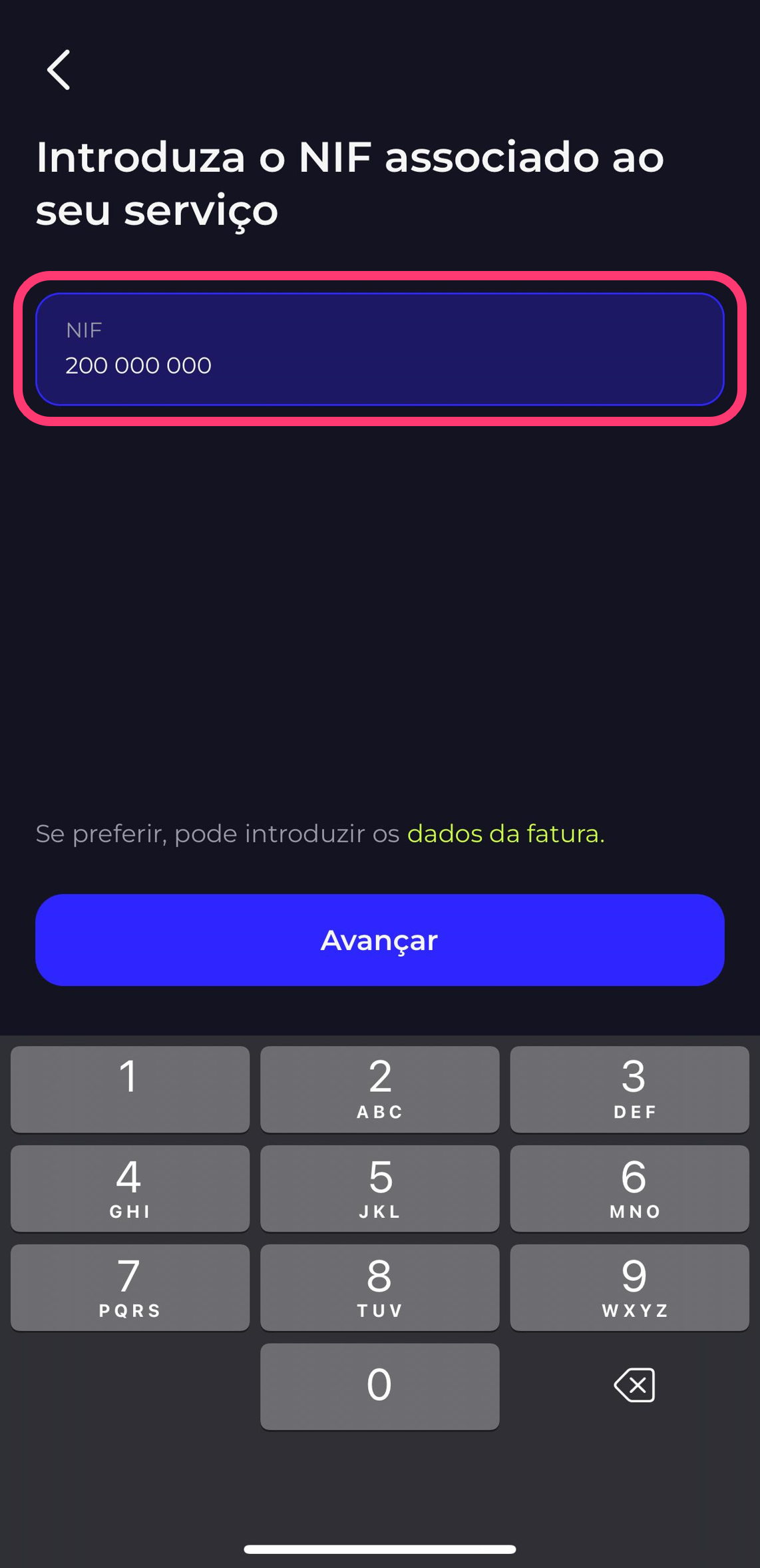
4. If you have an invoiced service, use your NIF and enter the security code that we will send you by text
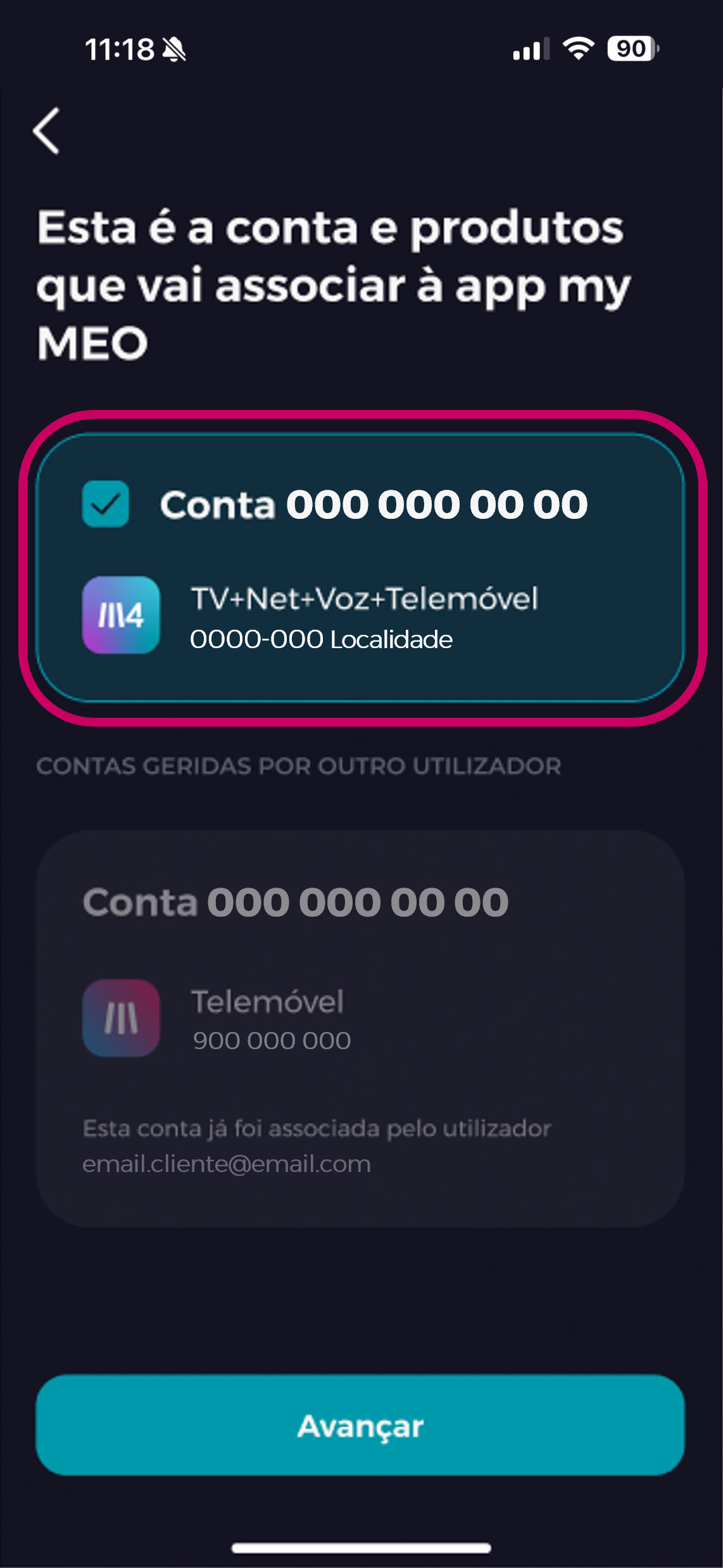
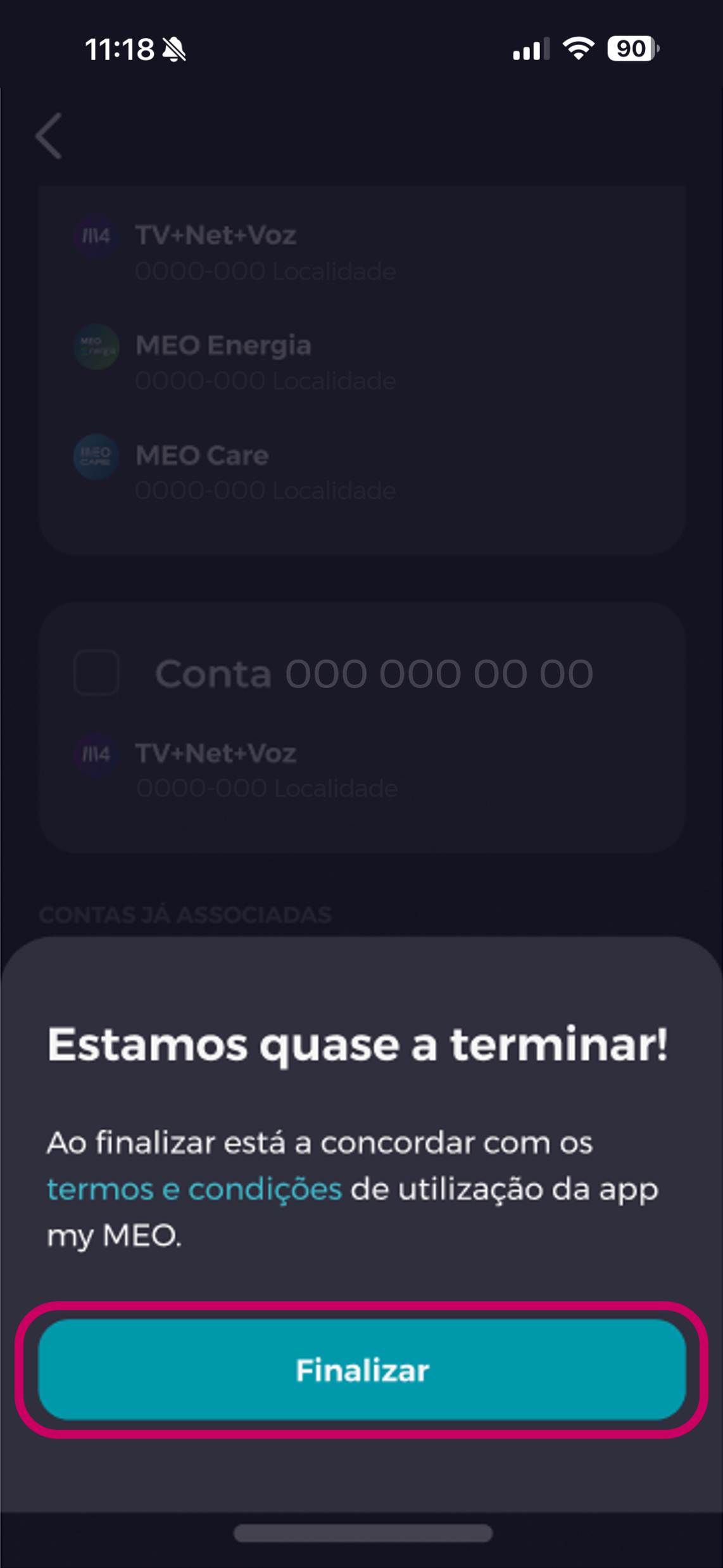
5. Validate the services and accounts you want to associate
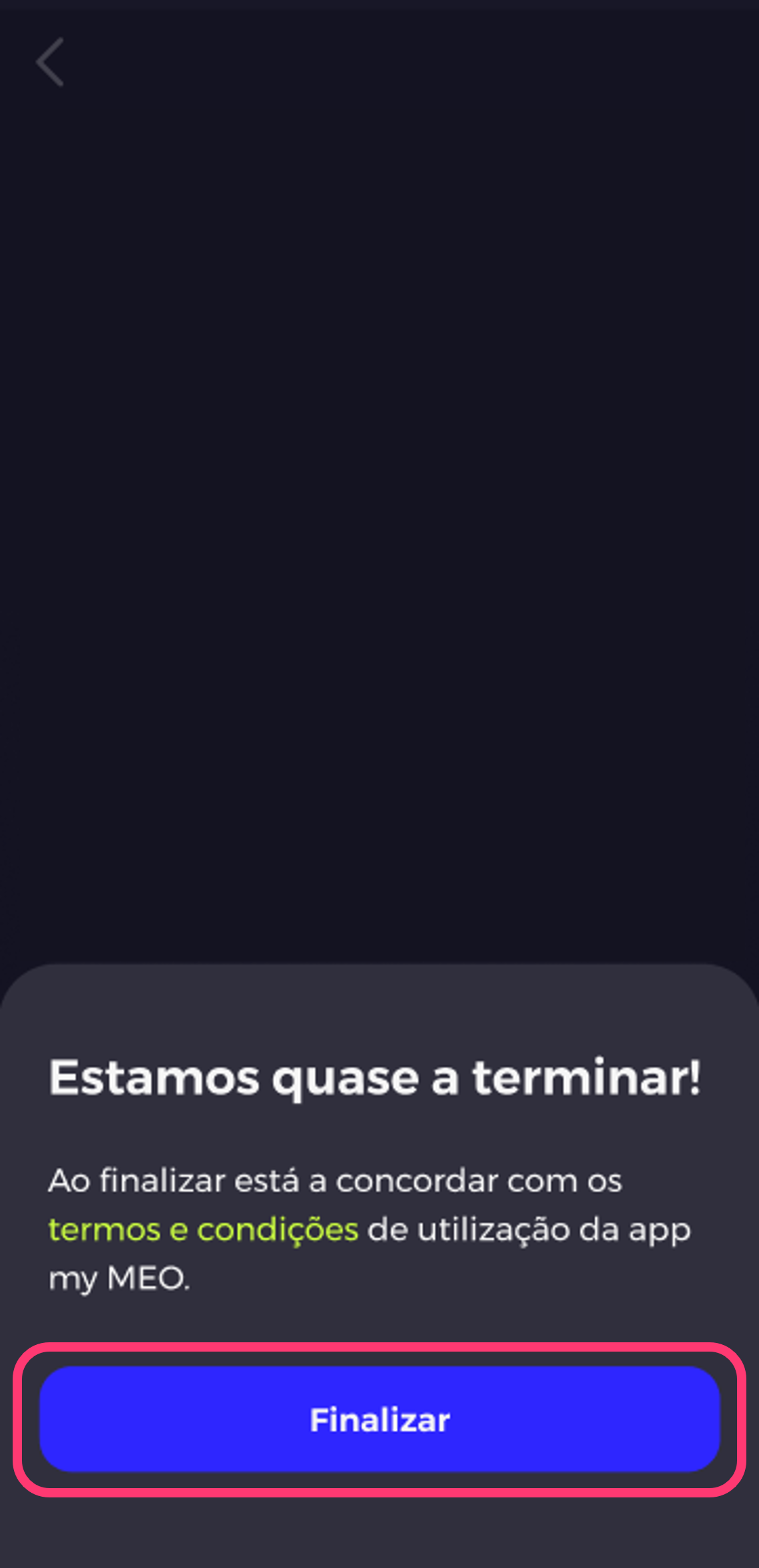
6. Accept the terms and conditions by clicking Finish
For Companies:
3. Choose whether you want to link all the accounts using the TIN or a mobile phone pay as you go
4. To associate by TIN, enter your company's TIN
5. Type in the number associated with the Account Administrator
6. enter the security code that we will send you by text
7. Validate the services and accounts you want to associate
8. Accept the terms and conditions by clicking Finish
If you prefer to use the my MEO website, these are the steps you should follow:
- Enter my MEO
- Choose between bundle | mobile phone | Net Mobile
- Fill in the information requested, such as your customer and account number, which you'll find on the first page of your invoice.
- Enter the validation code you received
- Accept the terms and conditions by clicking Finish
All the products and services included in your bundle will be linked to your customer portal.
To associate a tax identification number or products in customer Business (customer Enterprisecustomer ), follow these steps:
- Select one of the options Company Registration or Product Registration.
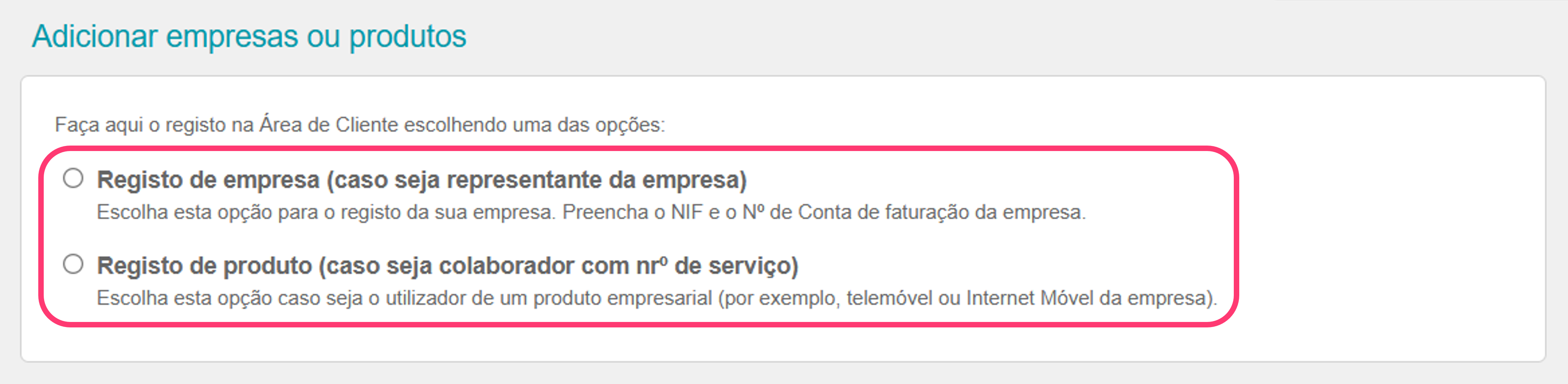
If you have selected Business Registration
- Fill in your account number, tax identification number, andmobile phone number.
- Read and accept the terms of use and click Submit.
- If your details are validated, please wait top-up service portfolio to be top-up .
- If your information is not valid, you will need to attach the
completedand signed form, as well as documentation from the company's legal representative.
Registration with document submission does not allow immediate access, as it requires validation of the data submitted.
After registering in the customer Area, you can associate other companies/tax identification numbers or other products, following the same process as for company registration.
If you selected Product Registration
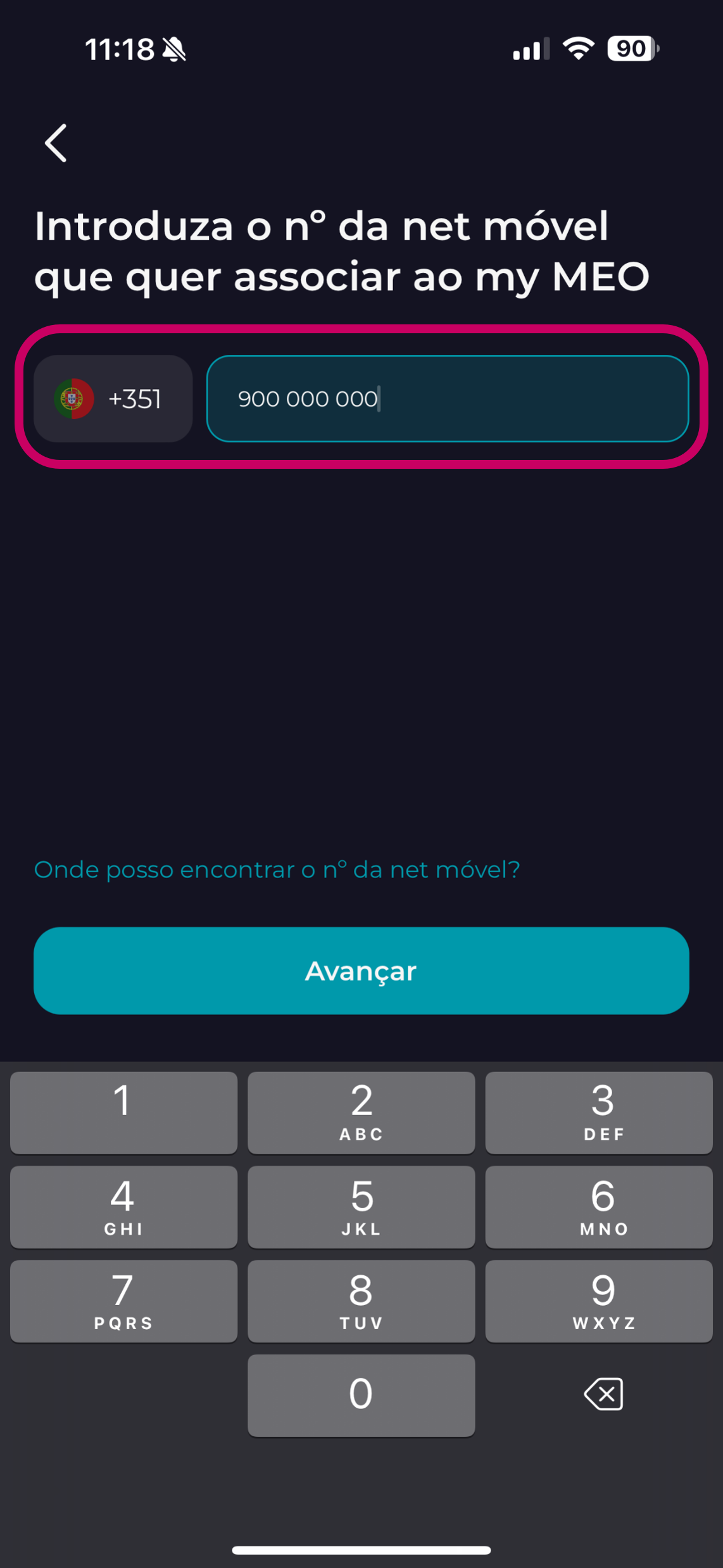
- Please enter your company's mobile phone broadband number.
- Accept the terms and conditions by clickingContinue
- Enter the security code we will send you via text.
- Please wait until the number becomes available in the customer area.
When registering the company's product (mobile phone company broadband), you will only have access to view the consumption andPIN PUK of the registered product.
________________________________________________________________________________________________
In detail, these are the screens and the data you will be asked for.
-
When associating a bundle to Personal: